
To ensure high delivery rates and prevent your reports from landing in spam, our platform uses secure Google OAuth. This allows you to send reports directly from your professional staff email address.
1. Connecting Your Gmail Account
Before you can dispatch reports, you must authorize the platform. Look for the "Connect to Gmail" button in the primary navigation panel.
Step 1: Click the Connect to Gmail button to start the authorization.
The system will open a secure Google login window. Follow these steps:
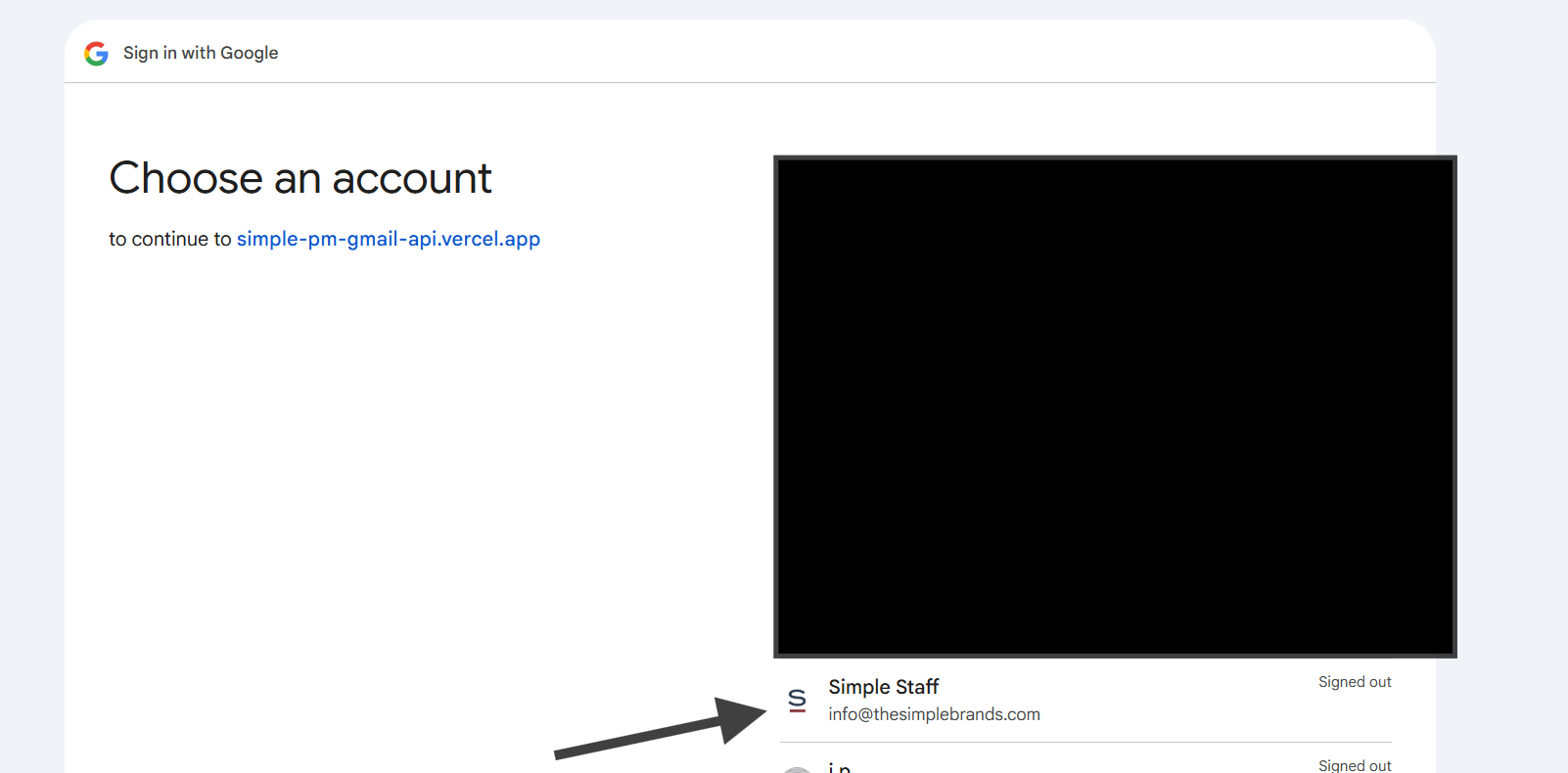
Step 2: Choose your staff account.
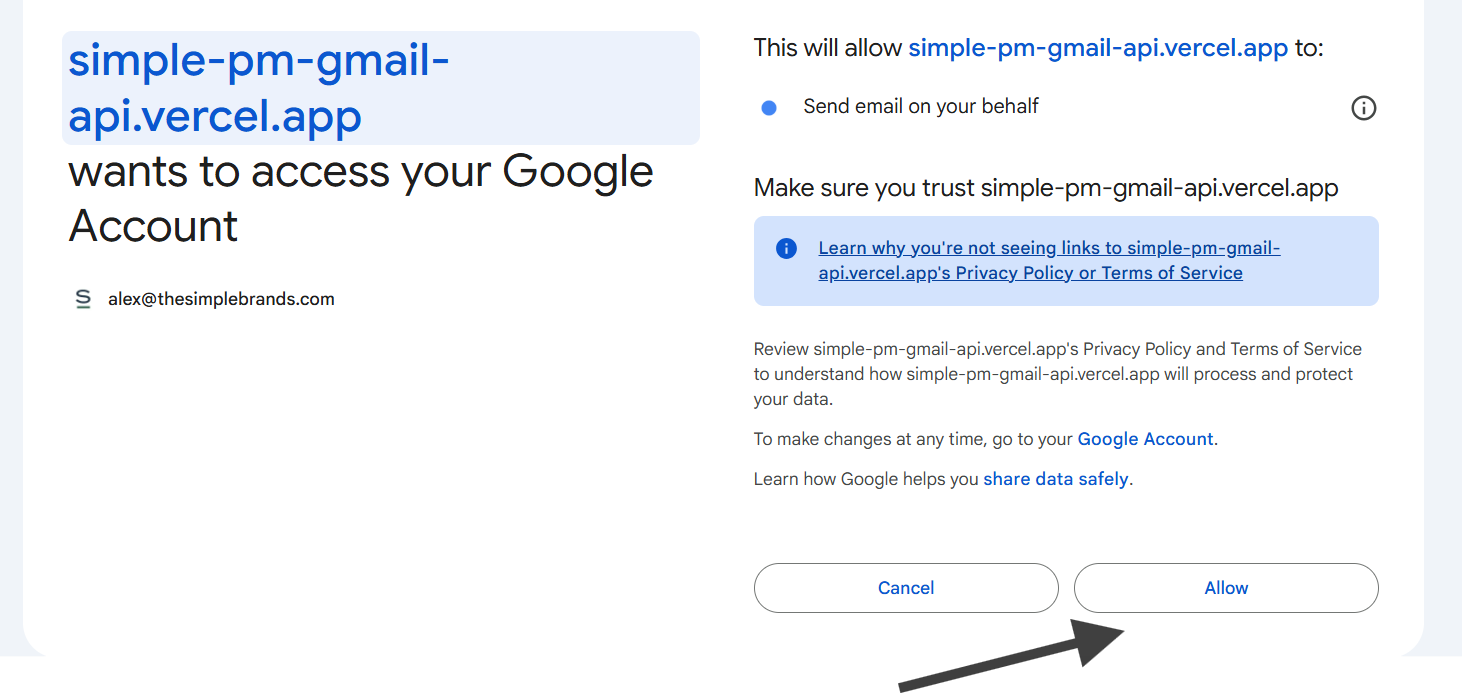
Step 3: Click 'Allow' to grant access.
Once successfully authorized, the button will update to a "Connected" status, indicating you are ready to send.
Your account is now securely linked and ready for dispatch.
2. Managing Your Recipient List
You can add recipients in two ways: manual entry or bulk CSV upload.
Manual Entry
Type email addresses directly into the email bar. You can separate multiple addresses with a comma. The system will automatically verify the email format in real-time.
Bulk CSV Upload (Excel Workflow)
If you have a large list in Excel, you must save it as a CSV. Click File > Save As and select CSV (Comma Delimited) from the dropdown menu.
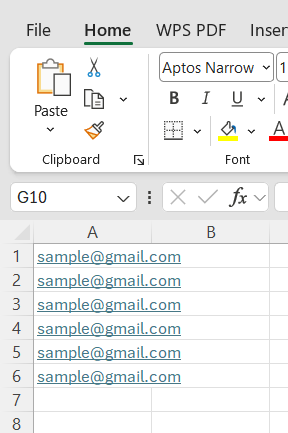
Sample Excel data layout.
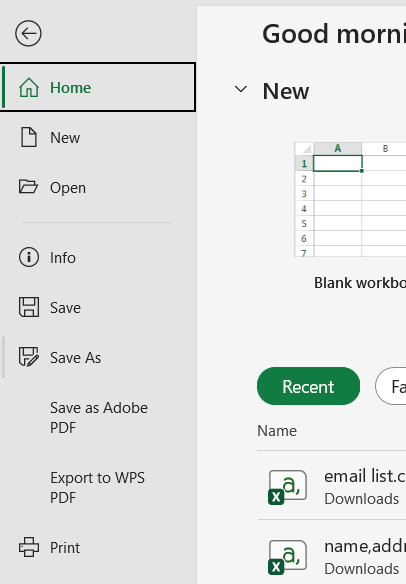
Selecting CSV format in Excel.
Once your file is ready, hover over the Delivery Panel and click "Upload CSV".

Accessing the CSV upload tool from the delivery panel.
After uploading, your recipients will be visible in the management area, ready for processing.

Successfully uploaded recipient list.
3. The "Actions" Menu & Sending
When your report and recipient list are finalized, click the "Actions" button. You will see three choices:
- Send Immediately: Dispatches the report to all recipients now.
- Save to Drafts: Places the emails in your Gmail "Drafts" folder for final review.
- Schedule: Allows you to set a future date and time for delivery.
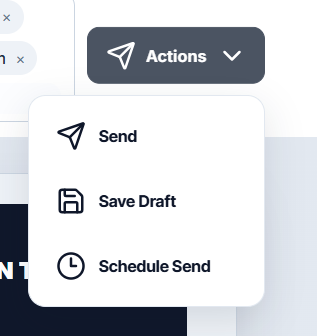
The three primary dispatch options.
Critical Warning
If you click "Send Immediately", the emails will be dispatched to every recipient instantly. This action cannot be undone. Please ensure all data is 100% accurate before clicking Send.