
The 1-Click Auto Update is the most powerful feature of the Email Builder. It allows you to instantly generate a professional, data-driven market report for Oklahoma City without manually researching rental prices or inventory levels.

Forensic Data Sources
Our system doesn't just guess; it performs a real-time synthesis of the three most reliable rental data streams in the United States:
- Zillow Rental Manager: Pulls current active asking prices and neighborhood listing velocity.
- Redfin Data Center: Analyzes historical absorption rates and Year-over-Year (YoY) price fluctuations in Oklahoma City.
- Market Intelligence Engine: Correlates these data points with seasonal local trends (e.g., Northwest OKC school district cycles).
How to Trigger the Update

Locate the One-Click Auto Update button in the primary builder panel.
Initiate the Sync
Click the ✨ One-Click Auto Update button. You will be prompted to confirm if you want to overwrite current field values.
Intelligent Synthesis
The system will enter a "Processing" state. During this time, the AI is scanning the aforementioned data sources to build your report context.
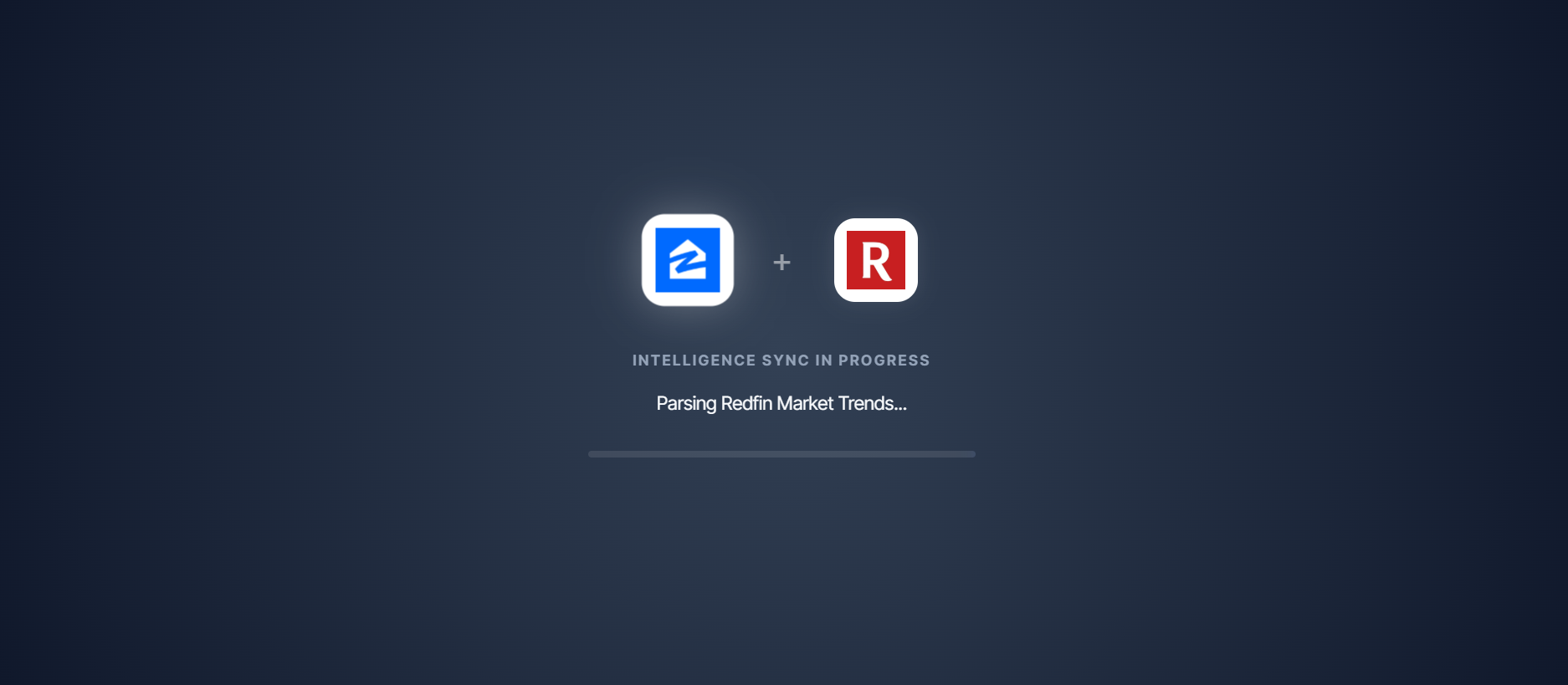
The tool provides real-time feedback while the intelligence engine works.
Review Final Metrics
Once complete, the Avg Rent, Active Listings, and Market Strategy sections will be fully populated and ready for your final review.
Why use Auto-Update?
Manual research often takes 20-30 minutes per report. The Auto-Update feature reduces this to 5 seconds while maintaining a high level of institutional accuracy for the OKC market.
Best Practices
For the most effective reports, we recommend using the Auto-Update first, then spending 2 minutes refining the "Owner Strategy & Advisory" section to match the specific property or owner you are targeting.